
Smart Lock Installation Tuscaloosa: Is It Worth It?
Smart lock installation Tuscaloosa homeowners request is one of the most common upgrade requests we get. Thinking about ditching your house key for a keypad, fingerprint, or app-controlled lock? Smart locks have gotten a lot more reliable, but they’re not the right fit for every door or every household. Here’s what to actually consider before you buy one, and when it’s worth having it professionally installed.
Smart Lock Installation Tuscaloosa Homeowners Should Know About
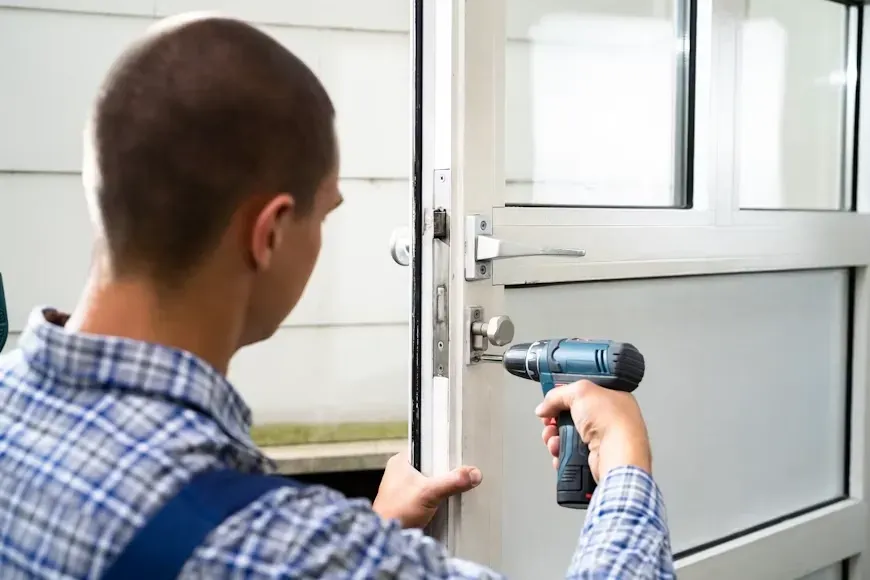
Most smart locks replace just the interior and exterior thumb-turn/keyhole assembly on your existing deadbolt, not the whole door hardware. That means installation is usually faster than people expect — but it only works well if the door, frame, and existing deadbolt hole are in good shape to begin with.
Types of Smart Locks
- Keypad locks — enter a numeric code, no app or phone required
- Bluetooth/app-controlled locks — unlock from your phone within range, often with remote access
- Fingerprint locks — biometric entry, no code or key needed
- Fully keyless deadbolts — code or fob only, with no physical key override
- Hybrid locks — smart features plus a traditional key as backup
Most current-generation smart locks use encrypted Bluetooth Low Energy or Wi-Fi to communicate with your phone, which is worth knowing when comparing models.
For most homeowners, a hybrid lock (smart features with a physical key backup) offers the best of both worlds — convenience day to day, with a fallback if the battery dies or electronics fail.
Benefits of Switching to a Smart Lock
- No more rekeying every time you lose a key — just change the code
- Give temporary codes to guests, cleaners, or contractors without handing out a physical key
- Some models log entry activity so you know when a door was unlocked
- No more late-night scrambling to find keys in the dark
What to Watch Out For
Battery Life and Backup Power
Most smart locks run on standard batteries and will alert you well before they die, but it’s worth knowing your specific model’s backup options (like a 9V terminal for emergency power) in case you’re ever locked out due to a dead battery.
Door and Frame Fit
Not every door is a perfect match out of the box. Older doors, non-standard deadbolts, or frames that have shifted over time can cause a smart lock to feel stiff or misalign — this is exactly the kind of issue a professional installer catches and corrects during setup.
Wi-Fi and Connectivity Gaps
If a lock relies on Wi-Fi for remote access, weak signal at your front door can cause missed notifications or slow response. Bluetooth-only or keypad-only locks avoid this issue entirely if remote access isn’t a priority for you.
DIY vs. Professional Installation
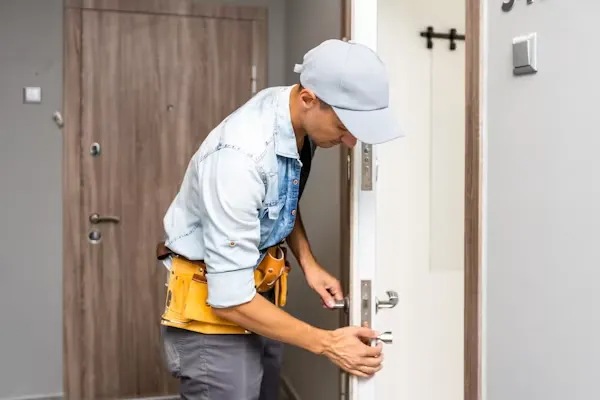
Many smart locks are marketed as simple DIY installs, and for a standard door in good condition, that’s often true. Professional installation is worth it when:
- Your current deadbolt is old, worn, or doesn’t match standard measurements
- You want the lock properly aligned and tested so it doesn’t stick or drain the battery fast from misalignment
- You’re installing on multiple doors and want them keyed or coded consistently
- You’d rather not troubleshoot a hardware issue yourself if something doesn’t fit right
Frequently Asked Questions
Can a smart lock be installed on any door?
Most standard exterior doors with a single-cylinder deadbolt can accept a smart lock, but door thickness, existing hardware, and frame condition all affect the fit. A quick check before buying can save a return trip to the store.
What happens if the power goes out or the lock loses connection?
Keypad and hybrid locks generally keep working on battery power regardless of home power or Wi-Fi status, since they’re self-contained units — this is one reason many homeowners prefer them over fully app-dependent models.
More real lock questions from Tuscaloosa homeowners are answered on our full locksmith FAQ page.
Considering a Smart Lock in Tuscaloosa or Northport?
We can help you pick the right type for your door, install it correctly, and make sure it’s properly aligned so it doesn’t drain batteries or stick. Call to talk through your options or get a quote.